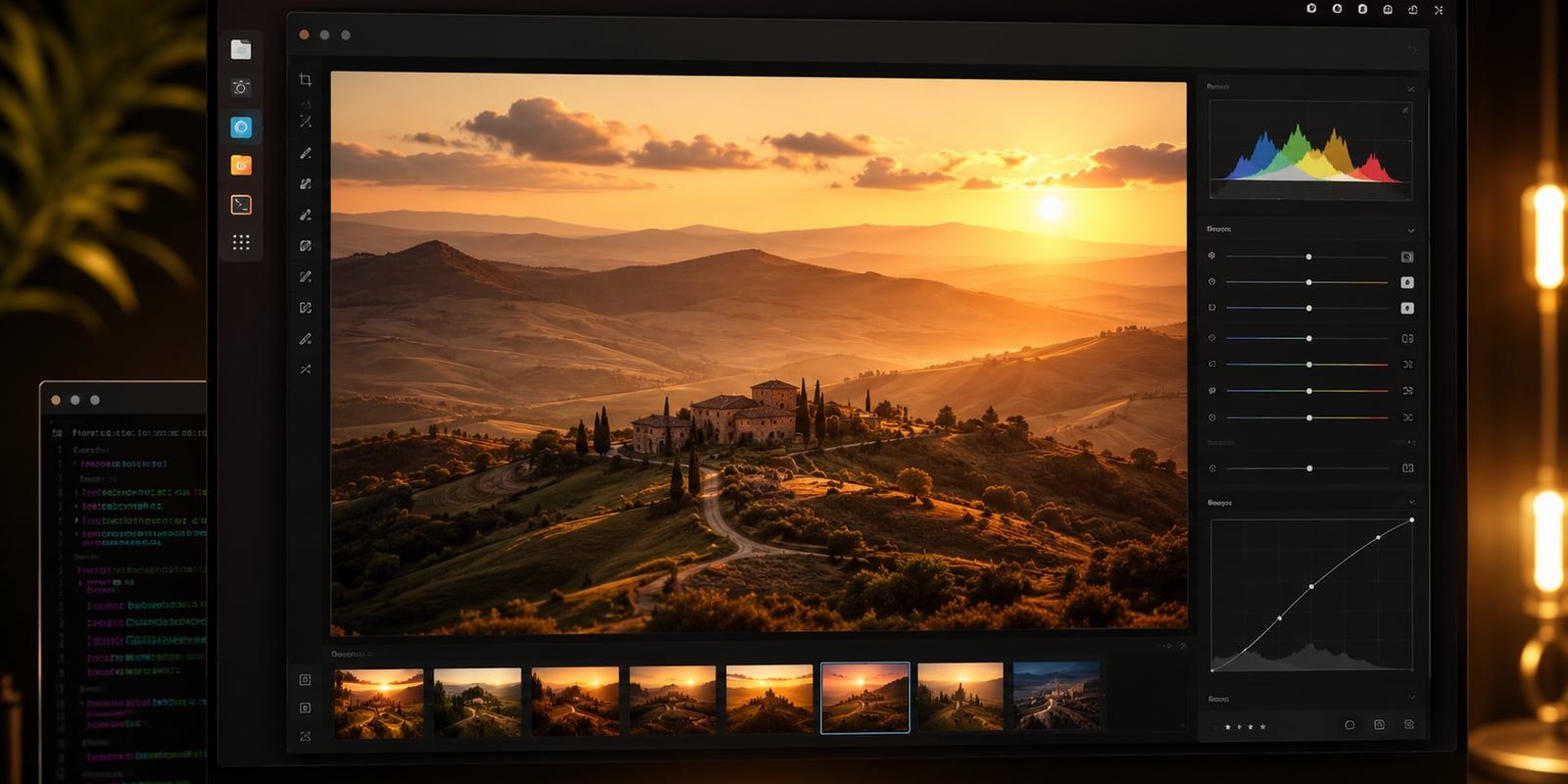
ON1 ships no Linux client, yet it now runs on my Pop!_OS laptop with full Vulkan acceleration off the integrated Intel GPU. What finally made it work was mundane: the installer kept writing 882 MB into a drive letter that evaporates the moment the sandbox closes. Everything else is mechanical. That one detail is the difference between an afternoon of “it exits cleanly but nothing installs” and a working editor.
The working setup uses Bottles with a GE-Proton runner. Two steps that commonly get recommended, a Lutris install script and a .NET 4.8 runtime, turned out to be unnecessary.
What actually works
ON1 Photo RAW MAX 2026 runs fully under Bottles, with GPU acceleration through DXVK and VKD3D-Proton talking to Mesa’s Intel Vulkan driver. Standard RAW editing and culling are smooth, and the main window confirms a hardware Vulkan device.
Here is the reference machine, though nothing in the recipe is specific to it. Pop!_OS is not special here; the same path works on any Ubuntu, Arch, or Fedora base with a working Mesa Intel Vulkan stack.
| Component | This machine |
|---|---|
| OS | Pop!_OS 24.04 LTS |
| Kernel | 6.18.7-76061807-generic |
| CPU | Intel Core Ultra 5 125U (Meteor Lake) |
| GPU | Integrated Intel Arc iGPU |
| RAM | 15 GiB shared |
| Vulkan | Mesa ANV (intel_icd.json), libvulkan1 1.3.280.0 |
| Mesa | mesa-vulkan-drivers 25.2.8 |
One number matters for expectations: ON1 MAX wants 16 GB of RAM, and a shared-memory iGPU eats into that. The app runs fine; the AI tools are where a thin machine starts to strain.
Check the machine first
Before installing anything, confirm the GPU and Vulkan are real. If Vulkan isn’t working at the OS level, no amount of Wine configuration will save you.
cat /etc/os-release
uname -r
lscpu | grep 'Model name'
free -h
lspci | grep -Ei 'vga|3d|display'
ls /usr/share/vulkan/icd.d/          # expect intel_icd.json (or your GPU's ICD)
dpkg -l | grep -E 'mesa-vulkan|libvulkan1'
The recipe
Every step here runs at the user level. The Flatpak runners bundle their own Wine and Vulkan stack, so none of this needs sudo.
-
Install the tooling as Flatpaks.
flatpak install -y --user --noninteractive flathub \
  net.lutris.Lutris com.usebottles.bottles net.davidotek.pupgui2
This pulls Lutris 0.5.22, Bottles 64.1, and ProtonUp-Qt 2.15.0. If the GL runtime times out partway, re-pull it and move on:
flatpak update -y --user --noninteractive org.freedesktop.Platform.GL.default//24.08 -
Give the sandbox access to your installers and photos. Bottles is sandboxed, so it can’t see
~/Downloadsor~/Picturesuntil you grant it.flatpak override --user --filesystem=xdg-download com.usebottles.bottles flatpak override --user --filesystem=xdg-pictures com.usebottles.bottles -
Drop the GE-Proton runner into Bottles. GE-Proton bundles DXVK and VKD3D-Proton already, which is the whole reason it beats a plain Wine build for this.
RUNDIR="$HOME/.var/app/com.usebottles.bottles/data/bottles/runners"
mkdir -p "$RUNDIR" && cd "$RUNDIR"
curl -L -o ge.tar.gz \
  https://github.com/GloriousEggroll/proton-ge-custom/releases/download/GE-Proton10-34/GE-Proton10-34.tar.gz
tar xzf ge.tar.gz && rm ge.tar.gz
# verify GE-Proton10-34/files/bin/wine exists (~303M)
Note: Use
proton-ge-custom, not the olderwine-ge-custom. The wine-ge line is frozen at GE-Proton8-26 and no longer maintained. -
Initialize the Bottles data skeleton. Bottles normally sets up its data directories on first GUI launch. If you go straight to the CLI, it crashes with a
FileNotFoundErroron thedxvkdirectory. Either launch the GUI once, or create the skeleton by hand:D="$HOME/.var/app/com.usebottles.bottles/data/bottles" mkdir -p "$D"/{dxvk,vkd3d,nvapi,latencyflex,runtimes,temp,bottles,steam,layers} -
Install standalone DXVK and VKD3D-Proton components. This lets Bottles toggle them per bottle without an online fetch.
cd "$D/dxvk"
curl -sL -o dxvk.tar.gz \
  https://github.com/doitsujin/dxvk/releases/download/v2.7.1/dxvk-2.7.1.tar.gz
tar xzf dxvk.tar.gz && rm dxvk.tar.gz

cd "$D/vkd3d"
curl -sL -o v.tar.zst \
  https://github.com/HansKristian-Work/vkd3d-proton/releases/download/v3.0.1/vkd3d-proton-3.0.1.tar.zst
unzstd v.tar.zst && tar xf v.tar && rm v.tar.zst v.tar
Confirm Bottles sees everything:
flatpak run --command=bottles-cli com.usebottles.bottles list components # expect: GE-Proton10-34, sys-wine-11.0, dxvk-2.7.1, vkd3d-proton-3.0.1 -
Create the ON1 bottle.
flatpak run --command=bottles-cli com.usebottles.bottles new \
  --bottle-name "ON1-PhotoRAW" --environment application --arch win64 \
  --runner GE-Proton10-34 --dxvk dxvk-2.7.1 --vkd3d vkd3d-proton-3.0.1
This boots the prefix and links the DXVK (
d3d8throughd3d11,dxgi) and VKD3D-Proton (d3d12) DLLs into it. TheNo nvapi/latencyflex foundwarnings are benign on an Intel GPU. -
Install only the dependencies ON1 actually needs.
flatpak run --command=bottles-cli com.usebottles.bottles shell -b ON1-PhotoRAW \
  -i "winetricks -q --force vcrun2022 corefonts"
That’s the full list:
vcrun2022andcorefonts. Skipdotnet48; ON1 Photo RAW 2026 is a native Qt/C++ application and never needed it. TheShellExecuteEx failed: File not foundline that prints afterward is harmless. -
Run the installer, and force the destination onto
C:. This is the step that matters.flatpak run --command=bottles-cli com.usebottles.bottles run -b ON1-PhotoRAW \ -e "/home/<you>/Downloads/ON1_Photo_RAW_MAX_2026.exe" -
Verify the install persisted, then launch. A working install is roughly 575 MB and about 90 DLLs under
C:\Program Files\ON1.flatpak run --command=bottles-cli com.usebottles.bottles run -b ON1-PhotoRAW \ -e ".../drive_c/Program Files/ON1/ON1 Photo RAW 2026/ON1 Photo RAW 2026.exe" -
Register ON1 so it launches from the Bottles UI.
flatpak run --command=bottles-cli com.usebottles.bottles add -b ON1-PhotoRAW \
  -n "ON1 Photo RAW MAX 2026" \
  -p "C:\\Program Files\\ON1\\ON1 Photo RAW 2026\\ON1 Photo RAW 2026.exe"
The one gotcha that wastes an afternoon
The ON1 installer picks its destination by free space, and inside a Flatpak sandbox the drive with the most “free space” is Z:, which maps to the host root /. That space is ephemeral sandbox storage. The installer reports success, exits 0, and the binaries vanish when the sandbox closes. All that survives is ProgramData\ON1 and AppData\Roaming\ON1 on C:, plus a dead desktop shortcut pointing at Z:\ON1\....
Warning: In the installer’s destination page, change the path from
Z:\ON1toC:\Program Files\ON1(orC:\ON1) by hand. Confirm the field starts withC:\before clicking Next. Uncheck “Launch application at exit.”
The tempting fix is to remap Z: to drive_c so the default lands on persistent disk. Don’t. That breaks the installer stub’s Z:-relative path resolution and you get ShellExecuteEx failed: File not found instead. Leave Z: pointing at /, which is what the stub needs to run, and change the destination in the wizard.
If you’ve already hit this, the symptom is a launch that dies right after initializeVulkan in the log. That looks like a Vulkan crash on the Intel GPU, but it isn’t: the app launched from the ephemeral Z: copy and disappeared underneath itself. Reinstall to C: and it sails past Vulkan init into the full main window.
Confirm you got the GPU, not the CPU
A Wine app that “runs” might be running on llvmpipe, the software rasterizer, which for a photo editor is unusable. Check the log:
LOG="<bottle>/drive_c/users/steamuser/AppData/Roaming/ON1/ON1 Photo RAW 2026/ON1 Photo RAW Log.txt"
grep -iE 'vulkan|gpu|device|llvmpipe|software' "$LOG"
You want to see Vulkan Device: Intel(R) Graphics (MTL) and Video Card Vendor: Intel. On this machine the log reported build 20.4.0.18729, MAX Edition, on the Mesa ANV path. If you see llvmpipe, you fell back to software and something in the DXVK/VKD3D chain isn’t engaging.
A couple of log lines look alarming and are not: EnableNonClientDpiScaling() failed (Call not implemented) and the libpng iCCP known incorrect sRGB profile warning. Both are noise. The first-run CPU spike to roughly 800% is the AI, preset, and thumbnail warmup; it settles.
The AI tools are the soft spot
Editing and culling are GPU-accelerated and fine. The AI features (NoNoise AI, Tack Sharp AI, masking, blur reduction) lean on DirectML, and DirectML over Wine is the part most likely to be slow or fall back to CPU. On an Intel iGPU sharing 15 GB of system RAM, that’s the corner where a thin machine shows. The main UI confirming a Vulkan device does not guarantee the DirectML path is on the GPU; I confirmed the editor accelerates, not that NoNoise runs on silicon. If your work depends on those tools at speed, benchmark them before you commit a workflow to this setup.
Myths worth correcting
A few claims float around for this kind of install that are confidently wrong. Correcting them is most of what makes the recipe trustworthy.
| Common claim | What’s actually true |
|---|---|
Use a Lutris install script with a flat winetricks: --unattended --force vcrun2022 ... renderer=vulkan string | Lutris scripts don’t take a flat winetricks string; verbs go under a task action. The Bottles path sidesteps the format entirely. |
renderer=vulkan is a winetricks verb that turns on GPU acceleration | It isn’t a verb. D3D-to-Vulkan translation comes from DXVK and VKD3D-Proton, which GE-Proton already bundles. |
ON1 needs .NET 4.8 (winetricks dotnet48) | ON1 Photo RAW 2026 is native Qt/C++. It needs vcrun2022 and corefonts, nothing more. |
| Leave the installer’s default path and it installs fine | The default resolves to ephemeral Z:. You have to set C: by hand or the install disappears. |
Capture One, the other RAW editor I tried on this machine, did not fare nearly as well. That attempt is its own story.